

Free on Tutorly.sg
Practise with step-by-step help — free to start
On Tutorly.sg/app you can practise unlimited Singapore syllabus questions, get instant explanations when you are stuck, and use past-year papers — no sign-up needed to start.
- ✓ PSLE, O Level, A Level, and more
- ✓ Step-by-step working when you are stuck
- ✓ Works on phone and laptop
6 Best Primary Science Apps in Singapore (2026)
Quick answer: The best primary science app depends on your goal. For PSLE exam practice with MOE-aligned questions and past-year papers, Tutorly.sg leads. For general science curiosity, Science 360 (free) and BrainPOP work well. For structured PSLE prep with live teachers, Geniebook and KooBits are solid alternatives.
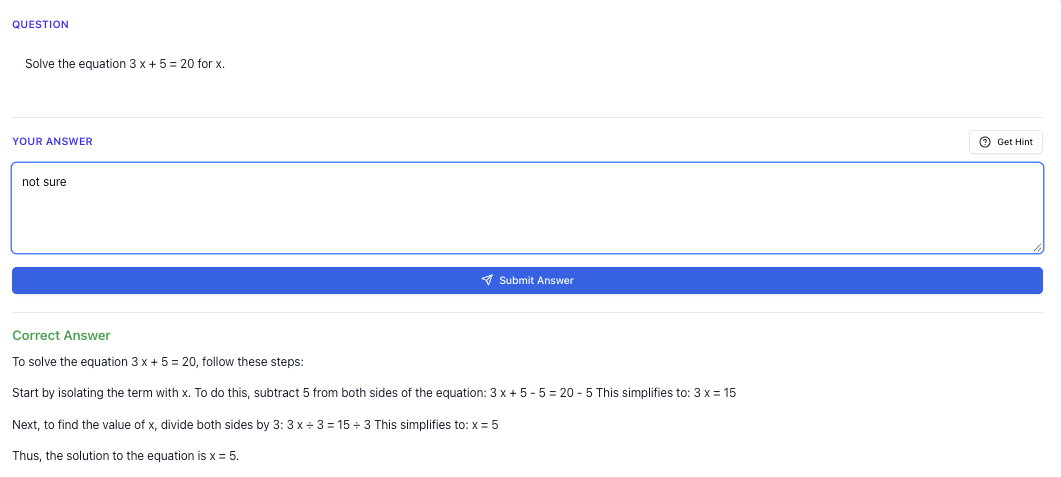
“Stuck on a question? See simple explanations that help you understand fast.”
👉 Give it a try and turn confusion into clarity in minutes.
Quick Comparison: 6 Primary Science Apps
| App | MOE syllabus | PSLE papers | AI help | Cost | Best for |
|---|---|---|---|---|---|
| Tutorly.sg | ✓ | ✓ 1,000+ | ✓ | Flat monthly fee | PSLE practice + explanations |
| Science 360 | ✗ | ✗ | ✗ | Free | Science curiosity (P4+) |
| BrainPOP | Partial | ✗ | ✗ | Subscription | Visual learners |
| Tappity | ✗ | ✗ | ✗ | Subscription | Younger kids (P1–P3) |
| Geniebook | ✓ | ✓ | Partial | Subscription | PSLE with live teacher |
| KooBits Science | ✓ | ✓ | Partial | ~$18/month | Story-based learning |
PSLE Science Topics: Which App Covers What?
PSLE Science tests five themes. Here is how each app maps:
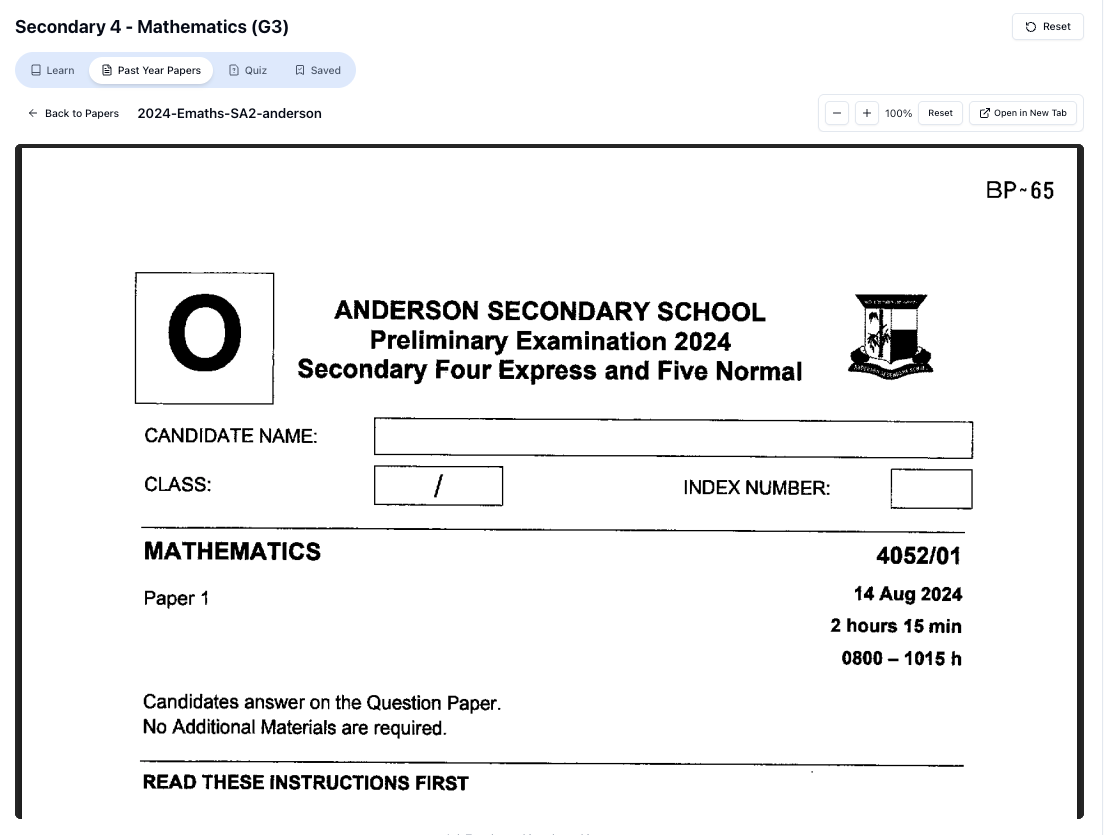
“Access more than 1000+ past year papers to practice”
👉 Start a paper today and test yourself like it’s the real exam.
| PSLE theme | Tutorly.sg | Geniebook | KooBits | Science 360 |
|---|---|---|---|---|
| Diversity of living things | ✓ | ✓ | ✓ | Partial |
| Cycles (life cycles, water) | ✓ | ✓ | ✓ | Partial |
| Systems (human, plant, electrical) | ✓ | ✓ | ✓ | ✗ |
| Interactions (forces, magnets) | ✓ | ✓ | ✓ | ✗ |
| Energy (photosynthesis, heat) | ✓ | ✓ | ✓ | Partial |
Only Tutorly.sg and Geniebook cover all five themes with exam-style questions and explanations.
1. Tutorly.sg — Best for PSLE Practice + AI Help
Tutorly.sg is built for Singapore students from Primary to JC, with MOE-aligned Science questions and 1,000+ past-year exam papers.
| Feature | Details |
|---|---|
| Levels | Primary 3–6 Science (and all other subjects) |
| PSLE papers | Real past-year papers with AI step-by-step explanations |
| Availability | — practise anytime |
| Cost | Flat monthly fee (all subjects included) |
| Trial | No sign-up needed at tutorly.sg/app |
Best for: Students who need daily PSLE Science practice with instant feedback — especially P5 and P6 students drilling for exams.
Limitation: Not designed for hands-on experiments (use school labs for that).
2. Science 360 — Best Free Option for Curiosity
[Science 360](https://science 360.org/) from the National Science Foundation offers free weekly science videos and articles.
| Feature | Details |
|---|---|
| Cost | Free |
| Age | 9+ |
| MOE alignment | No — general science, not PSLE-focused |
| Best for | Building interest in science topics |
Good as a supplement, not a PSLE prep tool.
3. BrainPOP — Best for Visual Learners
BrainPOP uses animated movies, quizzes, and simulations.
| Feature | Details |
|---|---|
| Format | Animated videos + quizzes |
| MOE alignment | Partial — international curriculum |
| Best for | P4–P6 students who learn visually |
Useful for understanding concepts, but lacks PSLE-style structured questions.
4. Tappity — Best for Younger Primary Students
Tappity targets ages 4–10 with interactive experiments and games.
| Feature | Details |
|---|---|
| Age | P1–P3 ideally |
| Focus | Space, Earth science, hands-on activities |
| PSLE relevance | Low — too young for exam prep |
Free on Tutorly.sg
Practise with step-by-step help — free to start
On Tutorly.sg/app you can practise unlimited Singapore syllabus questions, get instant explanations when you are stuck, and use past-year papers — no sign-up needed to start.
- ✓ PSLE, O Level, A Level, and more
- ✓ Step-by-step working when you are stuck
- ✓ Works on phone and laptop
Good for P1–P3 to build science interest before formal PSLE prep starts.
5. Geniebook — Best with Live Teacher Support
Geniebook offers AI worksheets plus optional live teacher support.
| Feature | Details |
|---|---|
| MOE alignment | Yes |
| Live teacher | Available (extra cost) |
| Best for | Students who want human backup with AI worksheets |
Strong PSLE option, but more expensive than Tutorly.sg when live teacher is added.
6. KooBits Science — Best for Story-Based Learning
KooBits Science uses animated tutorials and story-based lessons.
| Feature | Details |
|---|---|
| Cost | ~$17.99/month |
| Format | Story-based + exam prep tools |
| Parent tracking | Yes — progress dashboard |
| Best for | P4–P6 students who prefer narrative learning |
“Doing Secondary Science? Pick a topic and practise like it’s a real exam — with clear answers right after.”
👉 Try Tutorly now and start a Science topic in seconds.

Good value, but AI explanations are less comprehensive than Tutorly.sg.
Which App Should You Choose?
| Your child's situation | Recommended app |
|---|---|
| PSLE in 6 months, needs paper practice | Tutorly.sg |
| P5 struggling with Science MCQs | Tutorly.sg |
| P1–P3, just building interest | Tappity or Science 360 |
| Visual learner, not exam-focused yet | BrainPOP |
| Wants live teacher + worksheets | Geniebook |
| Budget under $20/month | KooBits or Tutorly.sg |
| Needs all subjects, not just Science | Tutorly.sg (all subjects included) |
15-Minute Daily Science Routine (P5–P6)
| Step | Time | Action |
|---|---|---|
| 1 | 5 min | Revise one PSLE theme (e.g. Cycles) |
| 2 | 5 min | Attempt 3–5 MCQs on Tutorly.sg |
| 3 | 5 min | Review wrong answers with AI explanation |
Do this 5 days a week = 25 MCQs + targeted revision weekly.
Science App vs Tuition Centre vs Tutorly.sg
| Feature | Tuition centre | Science app (Tutorly) |
|---|---|---|
| Cost | $200–$350/month | Flat monthly fee |
| Schedule | Fixed weekly | |
| PSLE papers | Some provided | 1,000+ included |
| AI explanations | No | Yes, instant |
| All subjects | Science only | All subjects |
Many families use tuition centre weekly + Tutorly.sg daily for the best results at lower cost.
FAQ
What is the best science app for PSLE?
Tutorly.sg for MOE-aligned past-year papers with AI explanations. Geniebook as alternative with live teacher option.
Are free science apps enough for PSLE?
No. Free apps build curiosity but lack PSLE-style exam practice.
How much time on science apps daily?
15–20 min (P3–P4), 20–30 min (P5–P6).
Can an app replace science tuition?
For daily practice and paper drilling, yes. For experiments and group motivation, combine with school or tuition.
Related Articles
- PSLE Science Tuition Singapore
- Primary Science Tuition Singapore
- Past Year Exam Papers
- Tutor Rates in Singapore
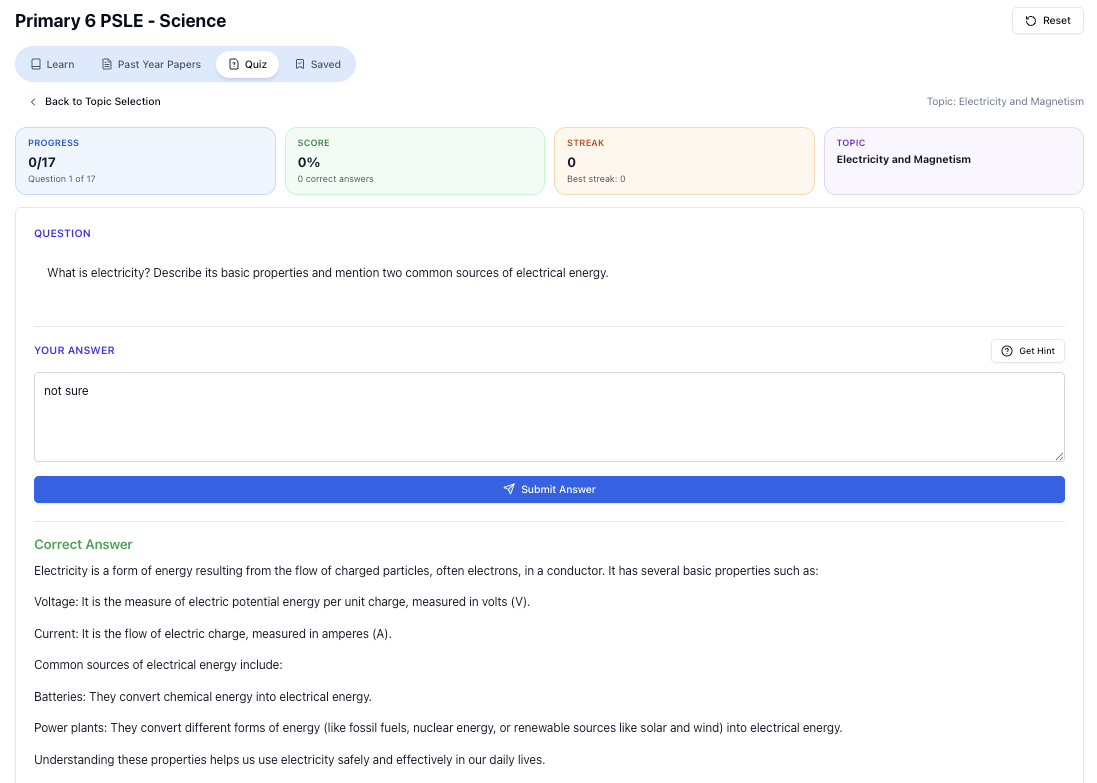
“Practice PSLE Science questions and get clear, step-by-step answers instantly.”
👉 Try a question now and see how fast you can improve.
Free on Tutorly.sg
Practise with step-by-step help — free to start
On Tutorly.sg/app you can practise unlimited Singapore syllabus questions, get instant explanations when you are stuck, and use past-year papers — no sign-up needed to start.
- ✓ PSLE, O Level, A Level, and more
- ✓ Step-by-step working when you are stuck
- ✓ Works on phone and laptop