

Free on Tutorly.sg
Practise Bar models with step-by-step help — free to start
On Tutorly.sg/app you can practise unlimited Singapore syllabus questions, get instant explanations when you are stuck, and use past-year papers — no sign-up needed to start.
- ✓ PSLE, O Level, A Level, and more
- ✓ Step-by-step working when you are stuck
- ✓ Works on phone and laptop
Quick answer
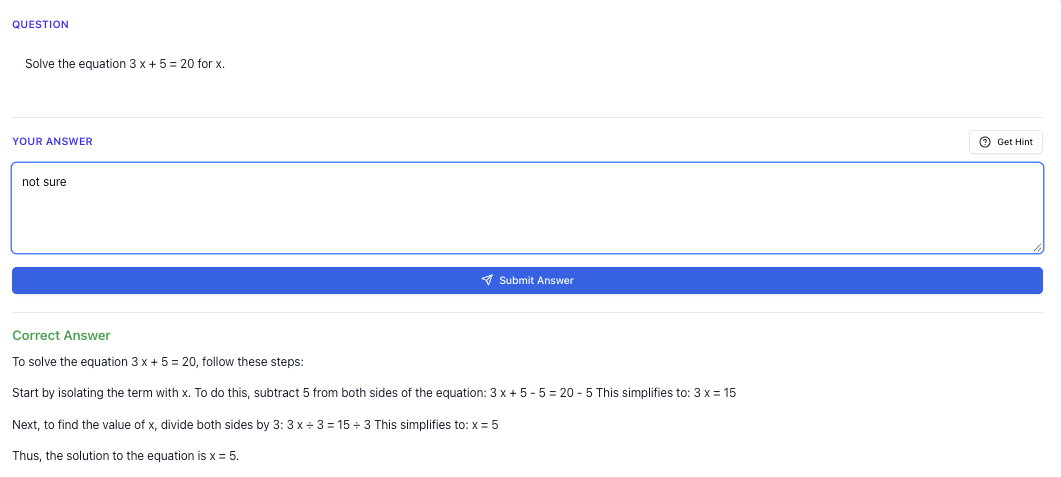
Ever feel your heart sink when you see a bar model question in your exam? You're not alone. After reading this, you'll know how to avoid the common mistakes and solve these questions with confidence.
“Stuck on a question? See simple explanations that help you understand fast.”
👉 Give it a try and turn confusion into clarity in minutes.
What you need to know
Bar models are a way to draw and visualize math problems. They help you see the problem and solve it step by step. In Singapore, we use them a lot in primary school math, especially for problems about parts and wholes.
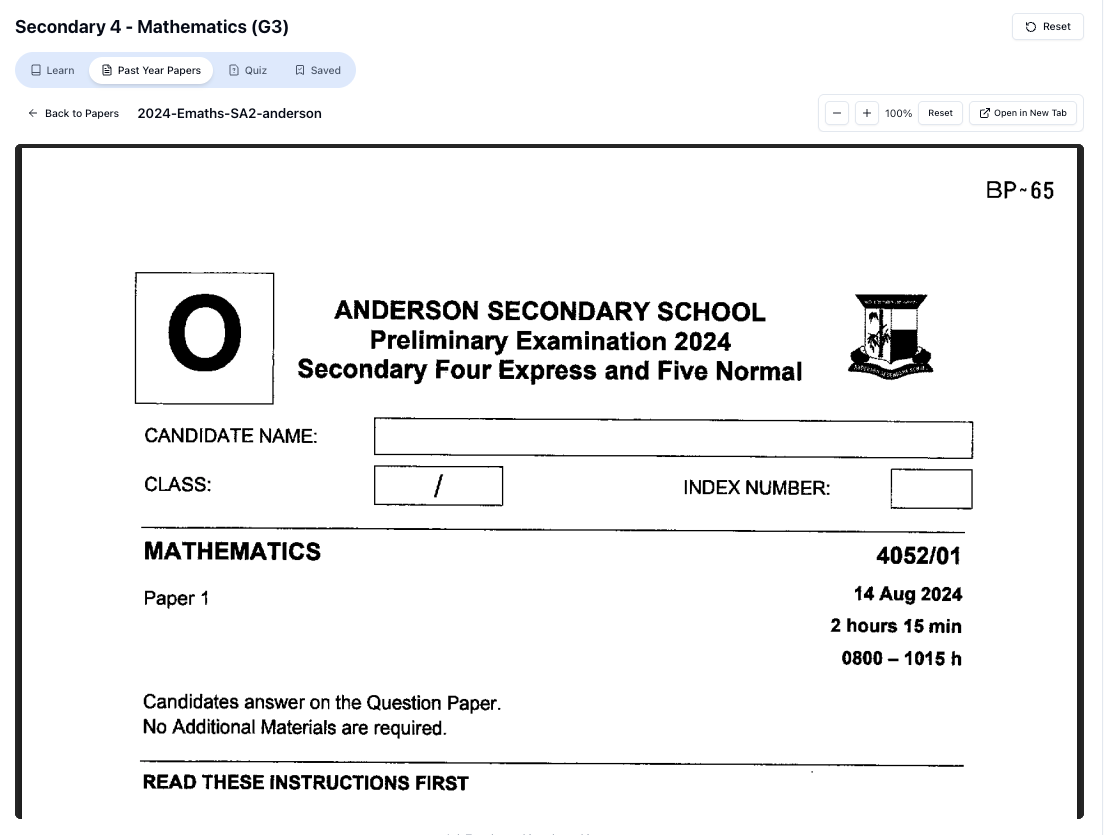
“Access more than 1000+ past year papers to practice”
👉 Start a paper today and test yourself like it’s the real exam.
How to Draw Bar Models
Understanding the Parts
Before we draw, we need to understand the parts of a bar model. There are usually two types: part-whole models and comparison models.
Drawing Part-Whole Models
Step 1: Identify the total and parts in the problem.
Why: Knowing what is total and what are parts helps you decide how to draw your model.
Step 2: Draw a long rectangle to represent the total. Divide it into smaller parts.
Why: This shows how the total is made up of different parts, making it easier to see the relationships.
Drawing Comparison Models
Step 1: Identify the items being compared and their differences.
Why: This step helps you decide how many bars you need and their lengths.
Step 2: Draw two bars next to each other. Make sure the longer bar reflects the larger quantity.
Why: This helps you visually compare the two quantities.
Quick check
Draw a bar model for this: "Ali has 15 marbles. Ben has 5 more than Ali."
- Answer: Ali's bar = 15, Ben's bar = Ali's bar + 5.
Common mistakes students make
-
Not labeling bars clearly: Always label what each part of the bar represents. It helps keep track of each component.
-
Mixing up total and parts: Ensure you know which is the total and which are the parts. It's a common slip but easy to fix with practice.
-
Overcomplicating the model: Keep it simple. Too many lines can confuse you more.
Exam tip
When drawing bar models in exams, use a ruler for straight lines. This makes your work neat and easier to understand. Marks are often lost due to messy diagrams.
Worked examples
Question
"Sally has 20 apples. She gives some to her friend and has 12 left. How many did she give away?"
Solution
Step 1: Identify the total apples and the remaining apples.
Why: We need to know what we started with and what we have left to find out how many were given away.
Step 2: Draw a bar for the total (20 apples) and a part for the remaining (12 apples).
Why: This visualizes the problem and helps us see the part that was given away.
Step 3: Subtract the remaining apples from the total: 20 - 12 = 8.
Why: The difference tells us how many apples Sally gave away.
Question
“Doing Secondary Science? Pick a topic and practise like it’s a real exam — with clear answers right after.”
👉 Try Tutorly now and start a Science topic in seconds.

"Tom has twice as many stickers as Jerry. Together, they have 18 stickers. How many stickers does Jerry have?"
Solution
Step 1: Identify the relationship between Tom's and Jerry's stickers.
Why: Understanding the ratio helps us draw the bars correctly.
Step 2: Draw a bar for Jerry (1 part) and Tom (2 parts).
Why: This shows Tom has twice the number of stickers as Jerry.
Step 3: Divide the total number of stickers (18) into 3 equal parts.
Why: Each part represents the same quantity, making it easier to find Jerry's stickers.
Step 4: Calculate: 18 ÷ 3 = 6. Jerry has 6 stickers.
Why: Since one part equals 6, Jerry's stickers are 6.
Quick summary
- Bar models help visualize math problems.
- Identify total and parts before drawing.
- Label parts clearly to avoid confusion.
- Use a ruler for neat diagrams in exams.
- Practice simple problems to build confidence.
FAQ
Q: What if I can't fit all the bars on one line?
A: It's okay to extend the bars or draw them below. Just keep them aligned to show relationships.
Q: Can I use colours in exams for bar models?
A: Use colours if allowed, but usually, pencil works best for clarity and neatness.
Q: How do I know when to use part-whole or comparison models?
A: Use part-whole when dealing with totals and parts, and comparison for differences between quantities.
Q: What if I make a mistake while drawing?
A: Don't panic. Erase carefully or start again on a fresh space. Neatness counts!
Free on Tutorly.sg
Practise Bar models with step-by-step help — free to start
On Tutorly.sg/app you can practise unlimited Singapore syllabus questions, get instant explanations when you are stuck, and use past-year papers — no sign-up needed to start.
- ✓ PSLE, O Level, A Level, and more
- ✓ Step-by-step working when you are stuck
- ✓ Works on phone and laptop
Free practice
Try it yourself
Ready to practice more bar model questions? Try similar problems with step-by-step guidance on .
- ✓ Unlimited similar questions
- ✓ Step-by-step help when you are stuck
- ✓ No sign-up needed to start
Related Topics You Should Learn Next
- Primary Mathematics Bar models complete guide Singapore
- Primary Mathematics: How to Score in Bar Model Questions
- Primary Mathematics: Common Mistakes in Bar Models and How to Fix Them
- PSLE Math Problem Sums Tips Singapore Students Really Need
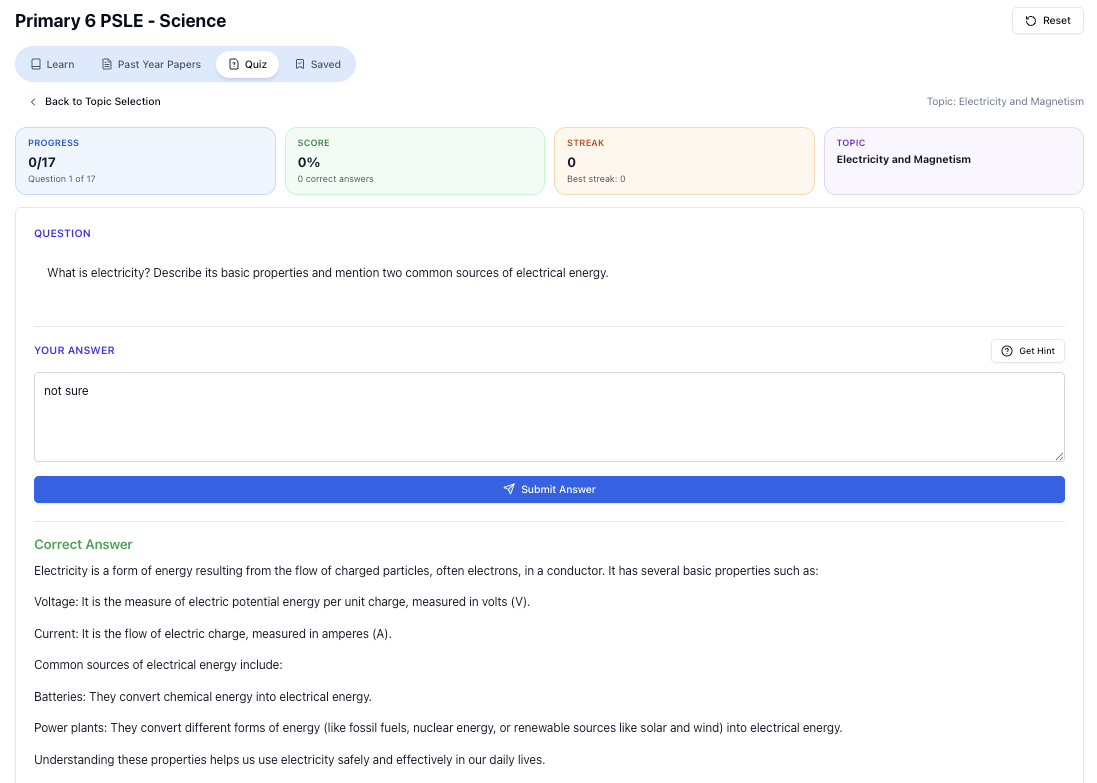
“Practice PSLE Science questions and get clear, step-by-step answers instantly.”
👉 Try a question now and see how fast you can improve.
Free on Tutorly.sg
Practise Bar models with step-by-step help — free to start
On Tutorly.sg/app you can practise unlimited Singapore syllabus questions, get instant explanations when you are stuck, and use past-year papers — no sign-up needed to start.
- ✓ PSLE, O Level, A Level, and more
- ✓ Step-by-step working when you are stuck
- ✓ Works on phone and laptop